
LED Color Inconsistency Across Runs
Same LED strip, different color? Learn the five causes of color shifts between runs and how to check binning, voltage drop, heat, and drivers.
On This Page
Two rolls of the same LED strip can show a visible color difference, even when the model number and the label match. One roll may look warmer, the other cooler, and the difference shows up clearly when the two sit side by side. This is color inconsistency across runs, and it is one of the most common complaints in LED strip installations. Five causes explain most cases, and each one leaves a different clue.
The fix starts with the symptom, not with a new purchase. Where the color shifts, and how it shifts, points to the cause. A shift along the whole length means one thing, and a shift at the far end means another. This article explains the five causes and shows how to read the symptom. It also gives a check sequence and a buying list you can use before the next order.
Five Causes of Color Change
Color is set by the chip, the phosphor, and the power that reaches them. When any of these changes, the color changes with it. The five causes below cover almost every case of run-to-run difference.
1. Binning and Batch Differences
LED chips are sorted into color bins after production. Chips in one bin share a narrow color range, while chips in another bin sit a little warmer or cooler. Two rolls from different bins can carry the same model number and still look different. This is the most common cause when two new rolls disagree, so buy from one batch and ask for the bin code on the order. Check the bin code on every roll, because rolls in one shipment can come from different bins.
2. Voltage Drop Along the Run
Voltage falls as power travels along a long strip, so the far end gets less voltage than the start. In RGB strips, the three color channels do not lose brightness at the same rate, and red holds up better than green and blue. The far end can drift toward red or look warmer than the start. This pattern is easy to spot because the color changes step by step along the length, not all at once. See voltage drop dims the far end of a run.
3. Heat and Thermal Drift
Temperature changes the color a chip makes. As the chip junction warms up, the blue peak shifts toward green and the light can take on a green tint. A strip in a hot, enclosed space drifts more than the same strip with good airflow. Poor thermal management is often the cause when a run looks fine at switch-on and shifts color after it has run for a while.
4. Driver and Controller Mismatch
A driver that does not match the strip can change the color. A driver with too little power starves the far end, and the color shifts with the voltage. A faulty controller can send the wrong signal to one channel, so one color runs stronger than the others. When the color changes after a driver swap, the driver is the first thing to check.
5. Phosphor Aging
The phosphor coating sets the final color of a white LED. It ages with temperature and use, and the color shifts slowly over time. Two strips from the same batch age together, so they stay close in color. A new roll mixed with an old roll can show the gap, because the old roll has aged and the new one has not.
Match the Symptom to the Cause
The symptom tells you where to look, and each cause leaves a different pattern on the run. Find your pattern in the table, then check the cause it points to.
| Symptom | Likely Cause | First Check |
|---|---|---|
| Whole run looks warmer or cooler than the last batch | Binning or batch difference | Compare the bin code on both rolls |
| Color shifts along the length, warmer at the far end | Voltage drop | Check the far end and the feed point |
| Random patches of different color | Heat buildup or poor ventilation | Check the hottest spots first |
| One section looks wrong, the rest is fine | Damaged LED or bad joint in that section | Inspect that section and its wiring |
| New roll differs from the old roll on the wall | Phosphor aging or mixed batches | Install new rolls together, not mixed with old stock |
Two patterns can overlap. A long run can have both voltage drop and heat buildup. Work through the causes one at a time, starting with the pattern that matches best. If two symptoms match at once, fix the power feed first. Voltage drop is the fastest check, and it rules out the usual cause of a shift along the length.
Check in This Order
Do the checks in this order, because each step rules out one cause before you move on. The whole check takes only a few minutes, and it saves buying parts you do not need.
- Look at the whole run and note where the color changes. A shift at the far end points to voltage drop. A shift in random patches points to heat. A shift in one section points to damage.
- Check the power feed and the driver. Confirm the driver matches the strip, and feed long runs from both ends or split them into shorter sections.
- Check the thermal path. Feel for hot spots along the channel, and confirm air can circulate around the strip. An aluminum channel pulls heat away from the strip, and a closed space with no airflow makes the drift worse.
- Check the batch. Compare the bin code and the batch label on each roll. If the rolls come from different batches, swap in rolls from one batch and compare again.
Fix What You Found
Each cause has its own fix, and matching the fix to the cause matters because the wrong fix wastes time and money. Use the table to pick the right one.
| Cause | Fix |
|---|---|
| Binning or batch difference | Buy rolls from one batch and match the bin code |
| Voltage drop | Feed from both ends or split the run into shorter sections |
| Heat buildup | Improve ventilation and use an aluminum channel to pull heat away |
| Driver or controller mismatch | Replace the driver with one that matches the strip |
| Phosphor aging | Replace the aged section with a roll from the same batch |
A fix that helps one cause can hide another. If the color still shifts after the fix, go back to the symptom table and check the next cause.
Why the Aluminum Profile Matters
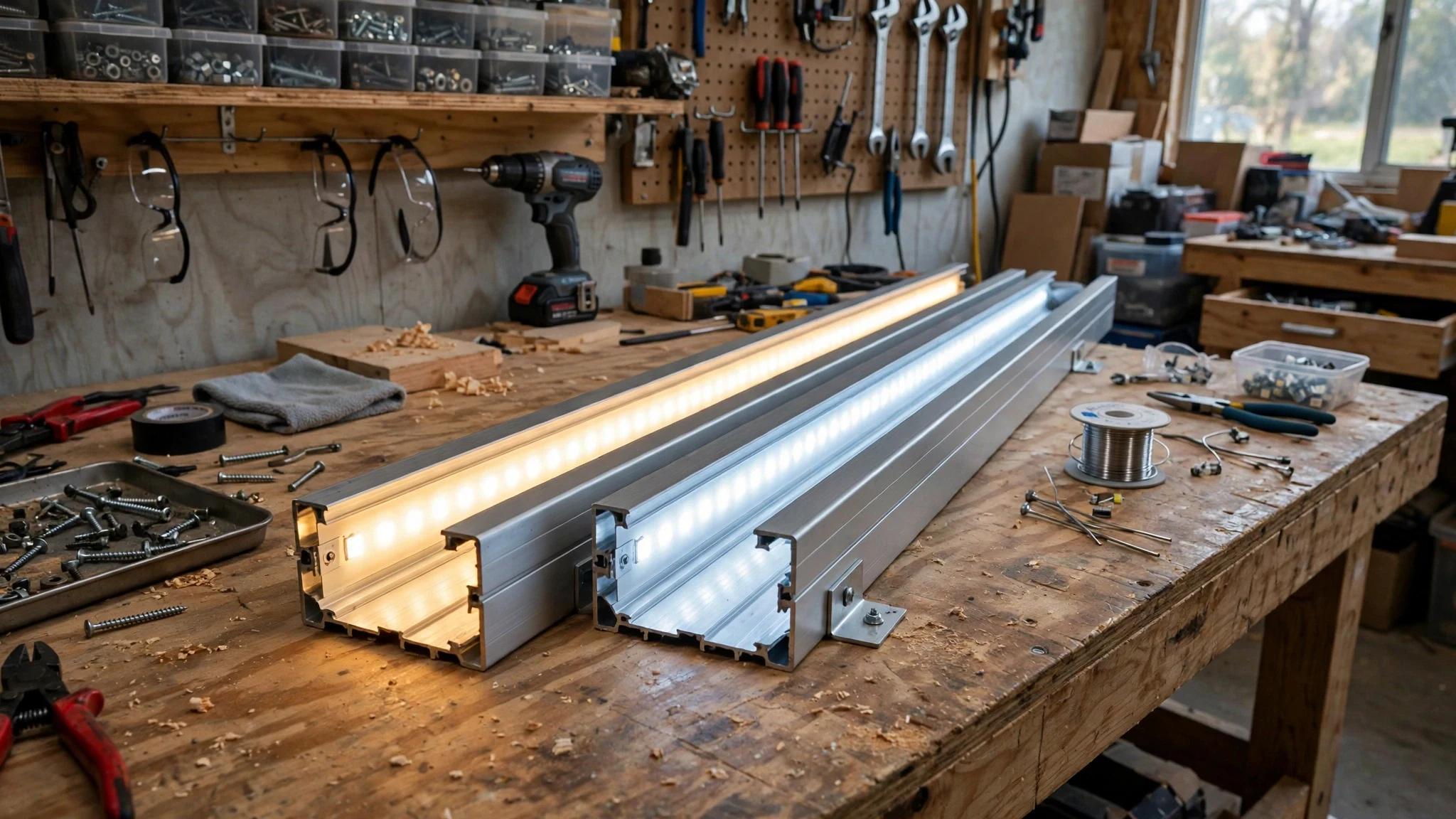
An aluminum profile does more than hold the strip in place. It pulls heat away from the strip, and that stabilizes the color. A strip mounted on a surface with no thermal path runs hotter, and a hotter strip drifts more. The diffuser also helps, because it mixes the light from the row of LEDs so small differences between chips show less. A deep channel with a milky diffuser hides uneven color better than a shallow open channel.
Our earlier article explains how aluminum channels manage LED heat and how to choose a channel for cooling. This article is about diagnosis, and heat is only one of five causes, so a good channel fixes the heat cause only. When the color still shifts in a well cooled channel, the cause is elsewhere. In a long cove or a row of shelves, one mismatched roll can spoil the whole line. That is why installers check the color before they fit the strip, not after. See how to choose the right LED aluminum channel.
Buying Checklist
Use this list before you order. It takes a few minutes, and it stops most run-to-run surprises. Run through it with the supplier before you pay, and keep the answers with the order.
- Order all rolls for one project from the same batch, and ask for the bin code on the order.
- Ask the supplier for a batch test report with the CCT and Duv values before you buy.
- Check the Kelvin rating on every roll, and do not mix rolls with different ratings.
- Match the driver to the strip, and confirm the feed plan for long runs.
- Share the strip specification with your profile supplier, so the channel and diffuser fit the strip you plan to use. See our custom aluminum profiles for made-to-order options.
- Test one new roll next to the old install before you fit the whole run.
Color inconsistency is a symptom with a cause, not bad luck, so read the pattern, check power and heat, then check the batch. Most cases end with one of those three checks. The next order is where you prevent it, with one batch, one bin code, and a test before installation.
Frequently asked questions
Why do two rolls of the same LED strip look different?
Most often they come from different bins or batches. Chips are sorted by color after production, and two bins can sit a little warmer or cooler while sharing the same model number. Buy from one batch and ask for the bin code.
Why does the far end of my strip look warmer or redder?
Voltage drops along a long run, and the far end gets less power. In RGB strips the three channels lose brightness at different rates, so the far end drifts toward red. Feed power from both ends or split the run into shorter sections.
Can heat change the color of an LED strip?
Yes. As the chip junction warms up, the blue peak shifts toward green, and the light can take on a green tint. A strip in a hot, closed space drifts more than the same strip with good airflow and an aluminum channel to pull heat away.
Do LED strips change color as they age?
Yes, slowly. The phosphor coating ages with heat and use, and the color shifts over time. Strips from the same batch age together, so a mixed install can show the difference sooner.
How can I make sure the next batch matches the one I have?
Order from the same batch and the same bin code, and ask the supplier for a batch test report with the CCT and Duv values before you buy. Check the new roll next to the old one before you install it.

Share this guide
Tell us what you need
Send Your Project Requirements
Share your contact details and tell us which LED profiles you need.
Explore custom profile options