
How to Read an LED Profile Datasheet
Learn how to read an LED profile datasheet in five steps: check the drawing, strip width, material, diffuser, and length before you order.
On This Page
An LED profile datasheet is the manufacturer's technical parameter document for a profile. Buyers use it to check cross-section dimensions, strip-fit width, material, and finish before they order. It is a check tool, not a product photo, and it cannot replace a sample.
Many buyers skim a datasheet in a hurry and miss the one field that matters most for their job. A wrong width or a wrong length can stall an order for days and force a second round of quotes. This guide shows a simple five-step check that works for any maker. It also lists the fields that buyers misread most often, with the safer reading for each. Use it before you send an inquiry or place an order.
What a Datasheet Actually Tells You
A datasheet describes the profile itself, so it covers shape, size, material, and finish. It does not describe the light that comes out of the finished fitting. The strip inside the profile makes the light, and a separate driver powers that strip. That split is the first thing to grasp when you read any datasheet, because it decides which figures to trust. If a value sounds like light output, it almost certainly belongs to the strip, not the profile.
A good datasheet also states the limits of the profile in plain figures. It may list a maximum strip width, a standard length, a cut option, or a list of fitting accessories. It may name the alloy grade and the surface treatment in the same block. These limits tell you what the profile can and cannot do, so read them before you shortlist a model.
If you still need to choose a profile type first, our guide to choosing an LED aluminum channel explains the main options in plain terms. Buyers use a datasheet for four checks before they order, and each check takes only a minute. Treat any field you cannot find as a question for the supplier, not as a blank you can fill in yourself.
- Check that the profile fits the planned recess or surface, and note the depth it needs.
- Confirm the strip width that the channel can hold, and check it against your strip.
- Match the finish with the room, the project brief, and the other fittings nearby.
- Pass exact figures to the installer and the buyer, so both work from the same sheet.
The Five-Step Datasheet Check
Read a datasheet in the same order every time, and you will miss fewer fields across a long list of models. The five steps below move from shape to fit to finish, and they take only a few minutes. Work through them top to bottom, and note any value that is missing on the sheet. A missing value is not a fail on its own, but it is a question to ask before you order.
| Step | What to check | Why it matters |
|---|---|---|
| 1. Cross-section drawing | Outer size, inner slot, and wall shape | Confirms the profile fits the recess |
| 2. Strip-fit width | Widest strip the channel accepts | A strip too wide will not seat flat |
| 3. Material and finish | Alloy grade and surface treatment | Sets strength, looks, and corrosion resistance |
| 4. Diffuser type | Opal, frosted, or clear cover | Sets light spread and glare control |
| 5. Length and accessories | Standard length, cut option, end caps, clips | Sets order size and install parts |
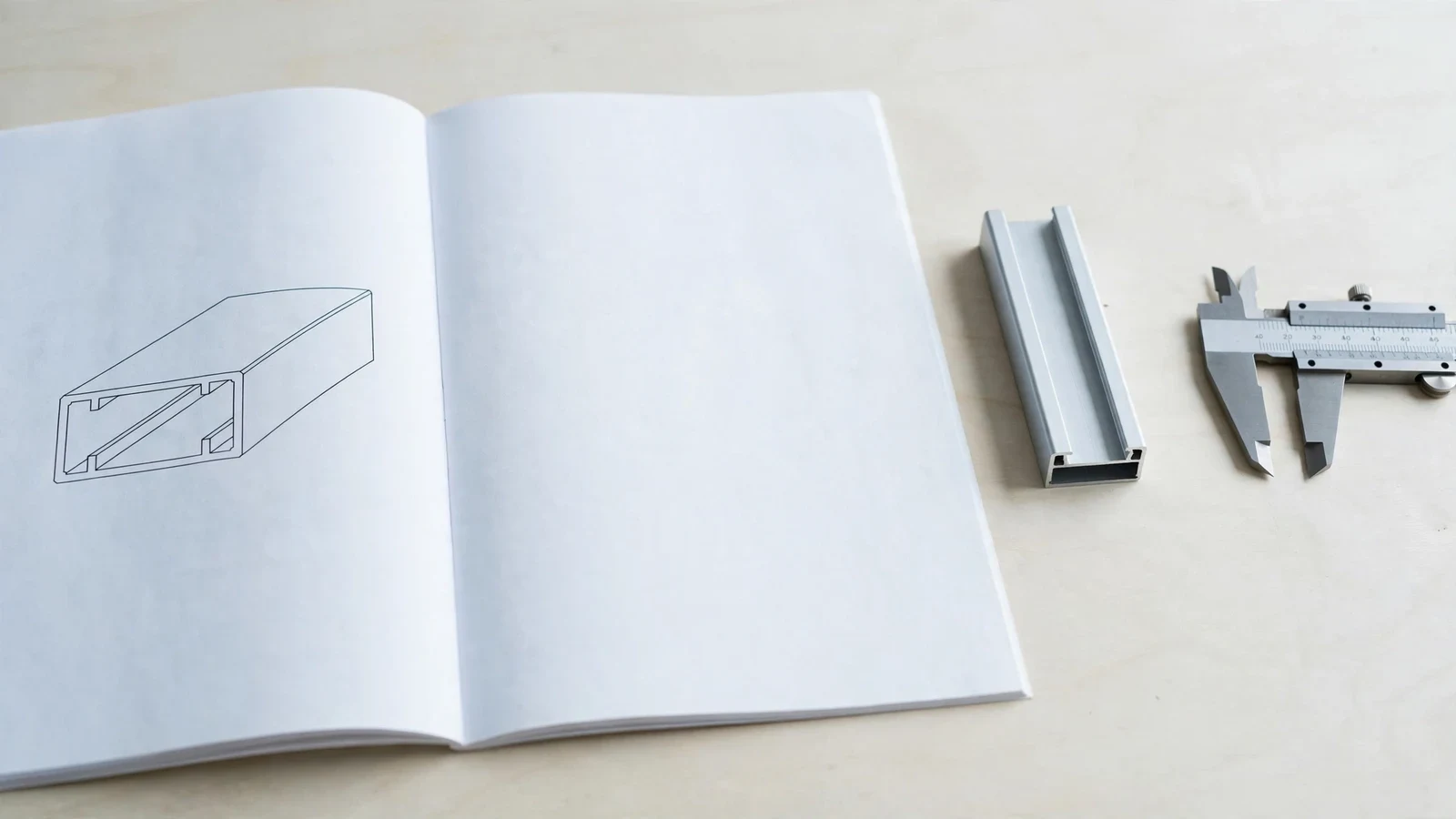
Start with the drawing, because every other value on the sheet depends on it. The cross-section shows the slot where the strip sits and the walls that hold the diffuser. Check the drawing scale and any tolerance note beside it before you trust a size. If the drawing is unclear, ask for a larger copy before you judge the fit or the strip width. Our comparison of opal, frosted, and clear diffusers shows how each cover changes the light.
Fields Buyers Misread Most Often
Four fields cause most datasheet mistakes, and each one looks simple until it costs an order. The list below explains the common error, the safer reading, and the question to ask. Check these four before you trust any other value on the sheet, even if the rest looks right.
- Inner width vs outer width. The outer width is the full profile size, while the inner width is the slot that holds the strip and sets its limit. Use the inner width when you pick a strip, and check it against the strip data.
- Fixed length vs cuttable length. Some profiles ship in fixed lengths only, while others can be cut to size on site or at the factory. Confirm which type you are reading before you plan the run or cut any length.
- IP rating of the profile vs the whole luminaire. An IP rating may cover the profile alone or the finished fitting with its strip, seals, and end caps. Ask which parts the rating covers before you plan a wet-area install or an outdoor run.
- Lumens belong to the strip, not the profile. A profile does not emit light, so any lumen value on a sheet describes the strip inside it, not the housing. Judge the profile on fit and finish, and judge the strip on its own data sheet before you compare outputs.
The IP rating deserves extra care, because one code can mean two different things on two sheets. Our guide to IP ratings for LED profiles explains what each code covers and where each level fits best. Read it before you specify a profile for a bathroom, a kitchen, a garden wall, or an outdoor run.
How to Compare Two Datasheets Side by Side
Place the two sheets next to each other and compare the same five fields in the same order, step by step. Start with the cross-section drawing, then the strip-fit width, then the material, the finish, and the diffuser. If one sheet lacks a field, mark it as missing rather than guessing a value from the other sheet. A sheet with fewer gaps is easier to trust, but a gap alone does not prove a worse product.
Watch for different units and different test notes, because both can hide a real gap. One sheet may state a width in millimetres while the other uses inches, so convert both to the same unit first. Check whether each sheet states a tolerance beside its sizes, since a size without a tolerance is harder to rely on. Note the sheet version and date as well, because an old sheet may describe a retired variant or an old finish.
Keep a note of the sheet version beside each value you copy into your order or your quote. A version code and a date tell you whether two sheets describe the same product run. If the version changes after you order, ask the supplier to confirm that the change does not affect fit. A short note now saves a long dispute later, when memories of the order have faded.
When the sheets still disagree, a sample settles the question faster than more reading or more emails. Order the sample in the same finish and length you plan to use, then check it against the sheet line by line. Our guide to the LED profile sample process explains the steps, the timing, and what to check on arrival at your site.
Questions to Ask Before You Order
A datasheet answers most questions, but a short list of supplier questions closes the gaps that the sheet leaves open. Ask whether the cross-section drawing shows tolerances, because a drawing without them leaves the fit uncertain on site. Ask for the strip-fit width as a measured value, not as a label on a product page or a sales slide. Ask whether the sheet version matches the sample you receive, so the sample proves the sheet you ordered from.
- Does the drawing show tolerances for the slot, the outer size, and the diffuser seat?
- What is the widest strip this profile accepts, measured in millimetres and checked on a sample?
- Which alloy and surface treatment does this profile use, and does the finish suit the install site?
- Which diffuser types fit this profile, and what changes in light spread with each one?
- Does the stated length allow cutting, and which accessories ship with the profile as standard?
For NIUYUAN profiles, the confirmed supply terms are simple to state and easy to check. The minimum order is 1,000 pieces for any model, and standard samples are free with freight collect. A new mould takes about 7 days, and delivery runs 20–30 days from the date of prepayment. Profiles use 6063-T5 aluminum alloy, and the factory holds ISO 9001, RoHS, and CE certification for its production.
Frequently asked questions
What is an LED profile datasheet?
It is the manufacturer's technical parameter document for one profile, with the figures that decide fit. It lists cross-section dimensions, strip-fit width, material, and finish for that single profile. Buyers use it to check fit before they order, and it does not replace a physical sample. A product photo shows the look, while the datasheet shows the numbers that decide the fit.
Which field should I check first on a datasheet?
Check the cross-section drawing first, because it sets the fit for the whole job and the whole order. Look for the inner slot width and the outer size, then check any tolerance note beside them on the drawing. If the drawing is unclear, ask for a larger copy before you judge the strip fit or the recess size.
What is the difference between inner width and outer width?
Outer width is the full size of the profile, while inner width is the slot that holds the strip. A strip must fit the inner width, not the outer width, or it will not seat flat. Many buying errors start here, because a product page may show only the outer size at first. Always confirm the inner width before you choose a strip or place an order.
Do lumens and colour temperature belong on a profile datasheet?
No, they belong to the strip or the finished luminaire, not to the profile itself. A profile is an aluminum housing, and it does not emit light on its own. Judge the profile on fit, material, and finish, and judge the strip on its own data sheet. Mixing the two sets of numbers is the most common reading error on a datasheet.
What should I do if a datasheet is missing a value?
Treat the gap as a question for the supplier, and do not guess the value yourself. Ask for the missing figure in writing, and ask whether the sheet version matches the sample you hold. A short written answer before you order is cheaper than a wrong batch, and it also proves which version you both agreed on.

Share this guide
Tell us what you need
Send Your Project Requirements
Share your contact details and tell us which LED profiles you need.
Explore custom profile options